
In a new blog series we are going to be configuring Microsoft Intune from scratch. If you have not used it before and don’t know where to start then this is the blog for you. We’ll be covering the basics of creating App control, compliance, and antivirus policies, device configuration templates and auto enrolment settings.
What is Intune?
Intune is a Cloud-based endpoint management solution for most device types, and operating systems both corporate owned and BYOD. Using Intune you can protect devices and data via templates, configurations and policies for all remote and static endpoints via a central portal. You can also use it to automatically configure brand new devices out-of-the-box allowing you to send them straight from the manufacturer to the user, and on first boot the device will be configured automatically inline with the organisational settings, including the installation of apps and implementation of security settings such as BitLocker encryption.
The Plan.
Over the coming weeks we will be looking at how we implement a basic Intune configuration, which includes app controls, antivirus and endpoint protection configurations, and also how to create an autopilot policy. We won’t be leaving it there as one of the critical aspects of security is assessing and improving, so once we have completed the initial configurations we will be evaluating our endpoints to get as close as we can to our optimised posture which provides appropriate security without negatively impacting efficiency or productivity.
Documentation
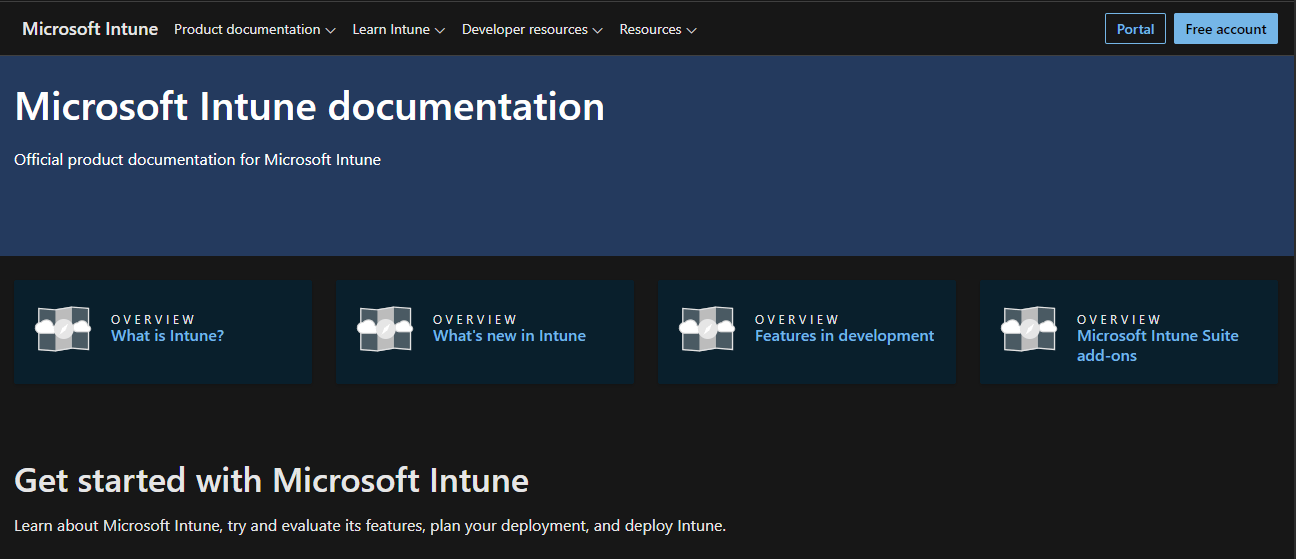
There is a lot of documentation for Intune, if you are looking for something specific, if you simply want to have a read through out of curiosity or want to become an expert you’ll find most of it here Intune.
The central documentation hub is here.
Something else which is worth a read in the Microsoft Intune Enrolment PDF, which we have provided below.
IMPORTANT NOTE.
Don’t deploy anything without testing first as you cannot easily roll back restrictive policies applied via Intune. For example, you apply a baseline to a device, but it causes issues so you need to roll back. You can’t simply remove that user or device from the policy to revert all the changes as described in these articles, cant-change-security-policies-for-enrolled-devices and i-changed-a-device-restriction-profile-but-the-changes-havent-taken-effect so make sure all profiles are tested individually to identify any potential issues before they are deployed to a live environment. I would recommend doing a test roll back to make sure you have a well tested back out plan.
 @2codemonte